Writing off an unpaid invoice
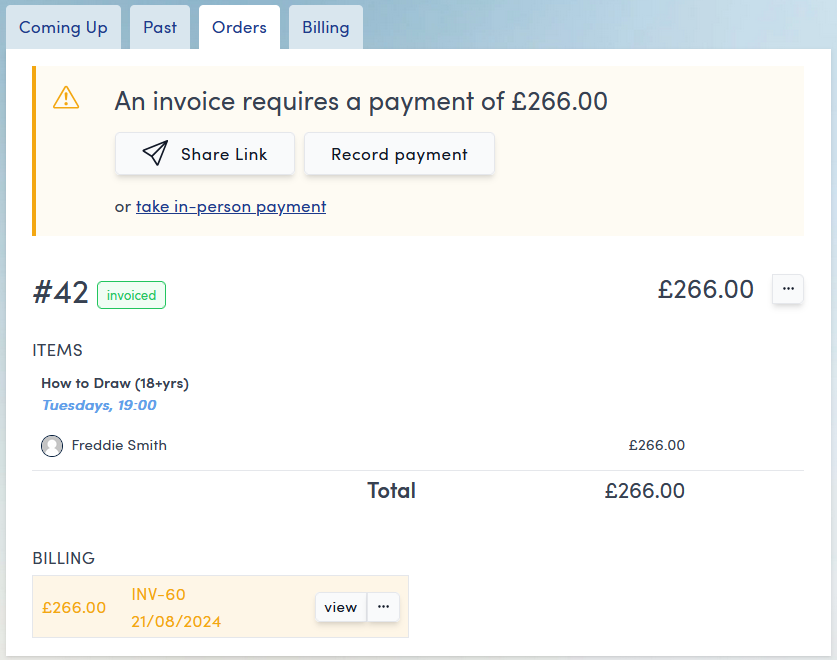
If a booking is created and an invoice raised but no payment is taken (due to using the take payment later option in the booking flow) then the invoice will appear as unpaid in the Orders and Billing tabs.
Orders tab view:
Billing tab view:
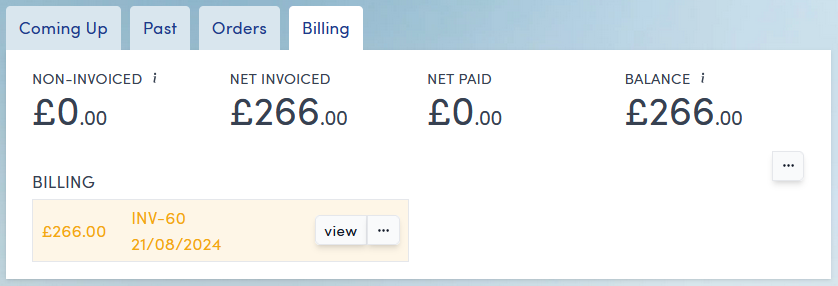
In both of these tabs to write off the invoice, click the three dots button  on the invoice record and select Write Off from the drop down menu.
You will be asked for confirmation:
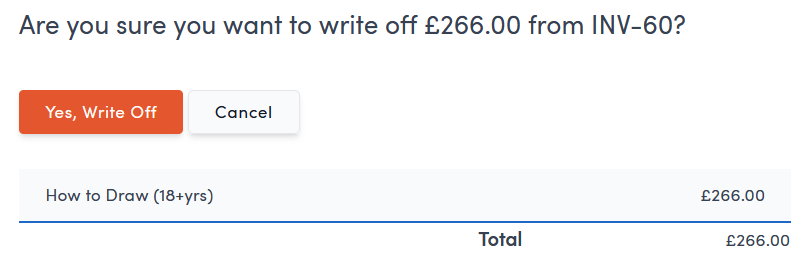
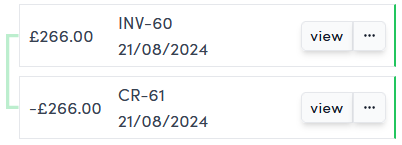
click Yes, Write Off and a credit note will be raised which writes off the invoice.
This credit note can then be seen in both the Orders and Billing tabs.