Instructors' Portal
The Instructors' Portal is where instructors can view their schedule, manage their classes and write pupil reports. The Instructors' Portal can be reached at https://my.swiftlier.com
In order to log in to the Instructors' Portal, a user must have been invited to use it.
The Instructors' Portal is available on Swiftlier Professional and Custom plans only.
Dashboard
The dashboard is the Instructors' Portal home page and can also be reached from the left hand menu using the home icon 
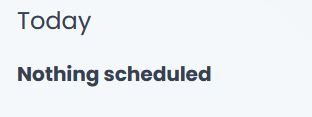
On the left hand side of the dashboard (in desktop and tablet view) is a list of any classes you are scheduled to teach today.
On the right hand side is a month-by-month view of the classes you are scheduled to teach, allowing you to look through forthcoming and previous classes.
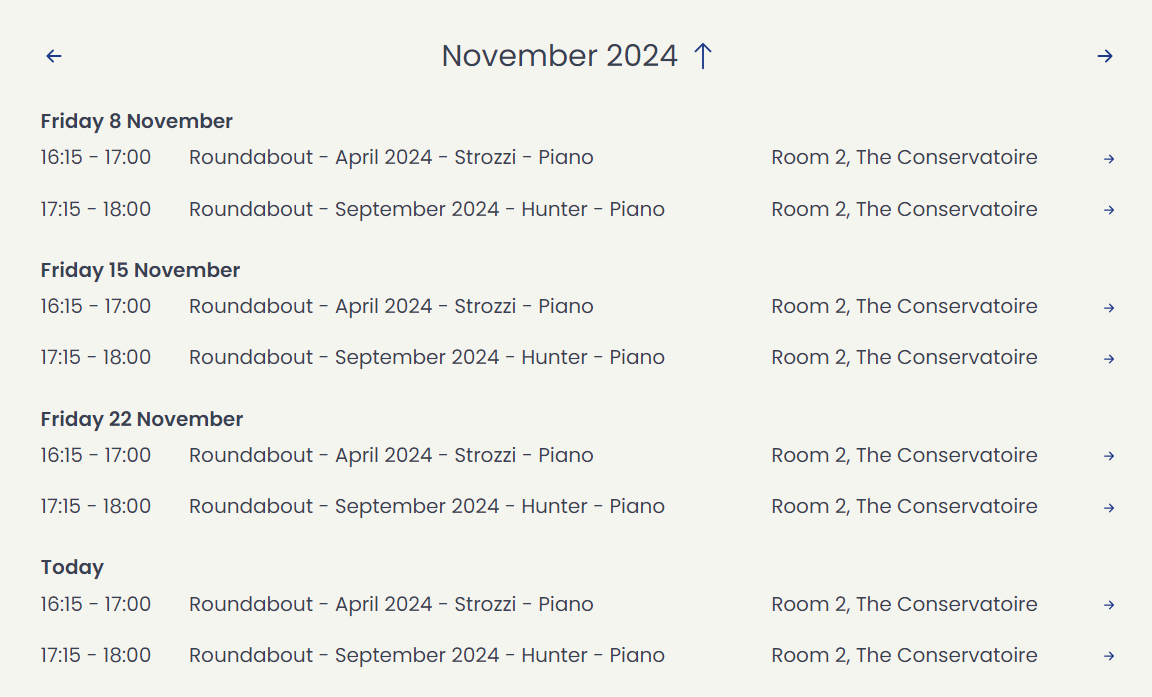
You can change between months view using the arrow  buttons above the calendar on the right and left hand side. You can also click on the arrow next to the month name
  to
to
You can use the arrow buttons to navigate forward and backwards through the calendar and the today button providers a quick shortcut to reset you back to today 
Click on a calendar item to go to the class overview