Tutor Calendar Subcriptions
Tutors at organisations using Swiftlier can "subscribe" to their Swiftlier calendar feed.
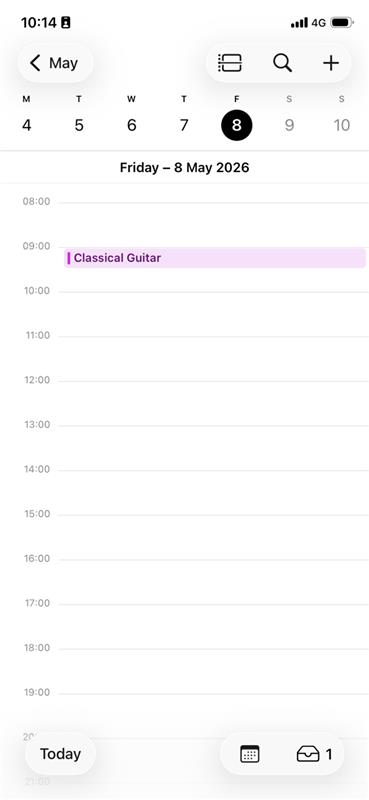
As a tutor, this enables you to see details of the sessions you are booked to teach - on your Apple, Android or other device.
Subscribing to a Swiftlier calendar
The precise steps a you must take in order to subscribe to your Swiftlier calendar will depend on your device/account.
To begin with, you should log in to the Swiftlier Instructors' Portal with your existing account.
Once logged in, find the Calendar menu option. This is either in the left sidebar (on a laptop or desktop), or behind the 'hamburger' menu icon (on mobile).
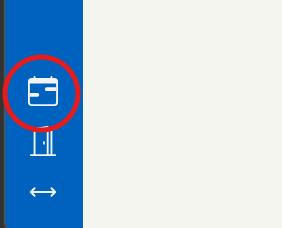
Click the Calendar menu option, and you'll be taken to a screen that contains:
- Your subscription link - a unique URL for you, that you can use to set up a Calendar subscription
- Instructions on how to set up a new Calendar subscription on various devices and accounts
If you follow the instructions, entering your subscription URL when prompted, you'll be able to view Swiftlier sessions on your device, and set up notifications as per your device preferences.
If you need any support with this feature, please don't hesitate to contact us on help@swiftlier.com.