Class information
On the class page, you can see when and where you class in being held and who is attending including any medical alerts you may need to be aware off.
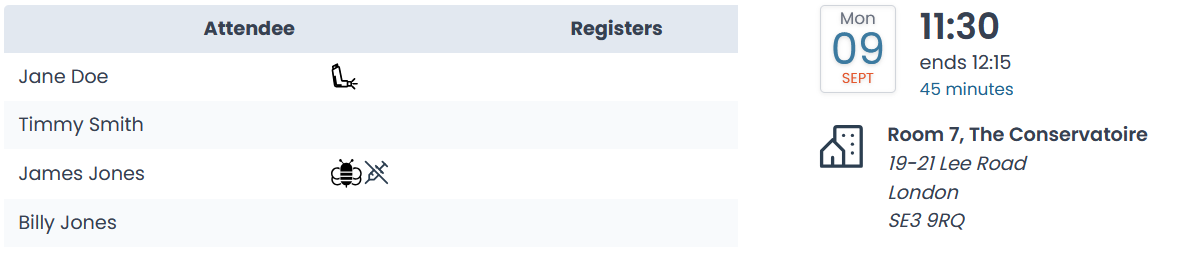
You can hover over a medical alert symbol for more information.

Register
If a register has not yet been created for your class you can add one using the
 button.
Once a register has been added it will be displayed in the attendance list
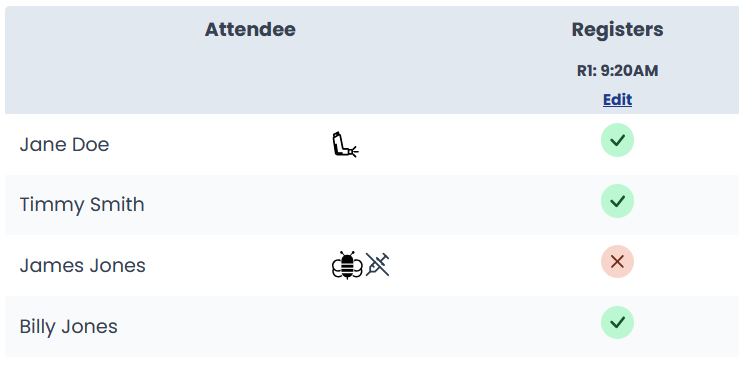
Record attendance on the register using the Edit link above the attendance column.
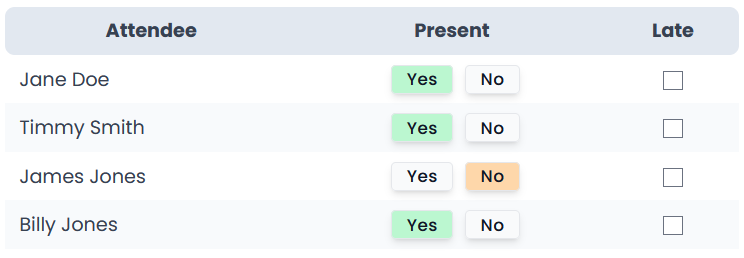
For each attendee, mark whether of not they attendended using the yes/no button. You can also mark if they were late using the checkbox. If you accidently mark an attendance, you can reselect the option to remove it again.