CRM
Keeping customer records up to date is vital for your business. Swiftlier makes it easy!
Find a customer
You can find a customer record by using the search feature. Click the magnifying glass icon  on the left hand menu near the bottom of the screen. Type in the search window to find a person or an order number and click on the item to go to the record.
Navigating to User Management
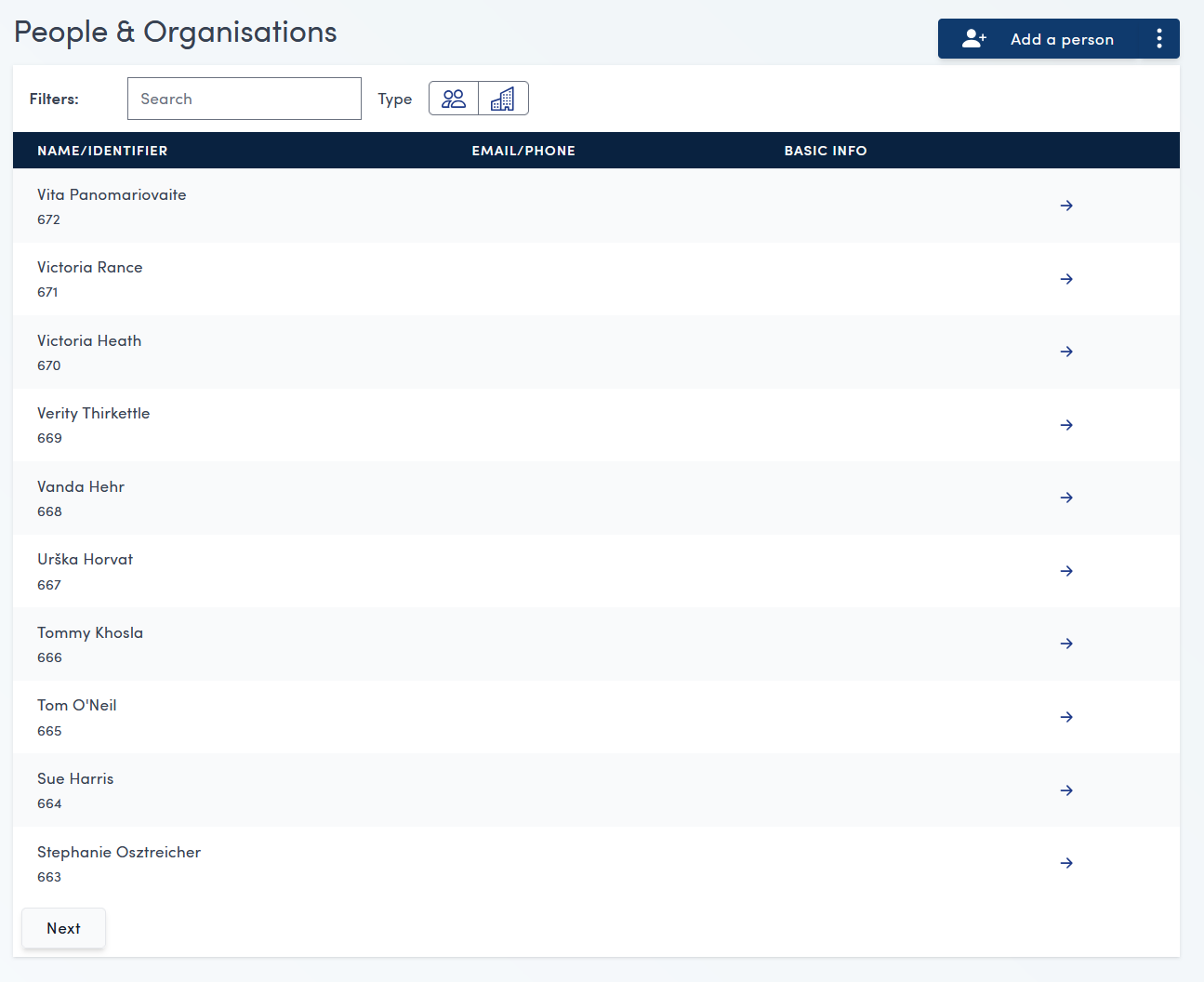
To navigate to the user management section, click the People & Orgs button in the left hand sidebar

This will take you to the People & Organisations page: