View, filter and search people and organisations
View person or organisation details
On the People & Organisations page click the arrow  on the right hand side of any user or organisation record to be taken to their information page.

Information page:
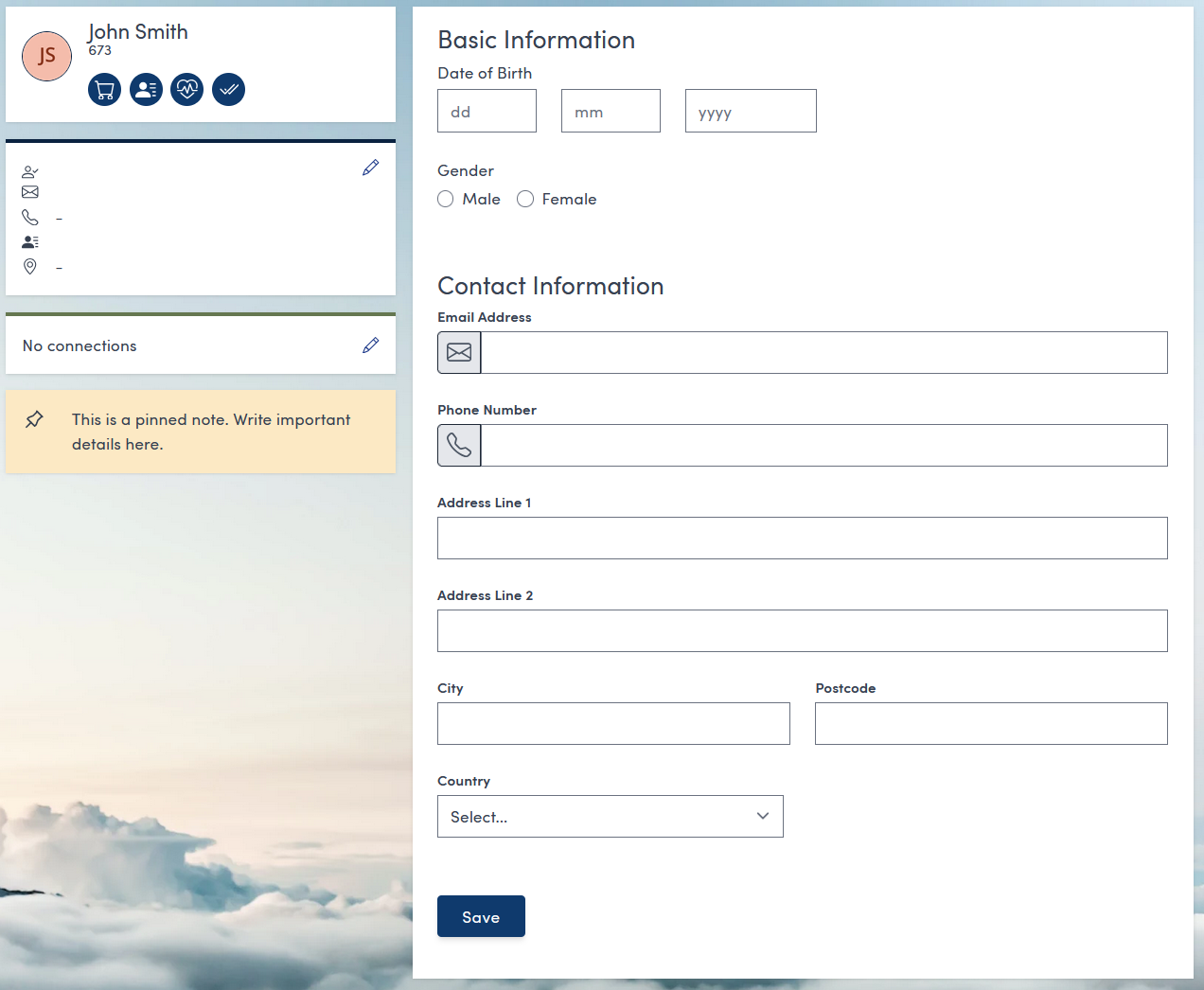
Filter people
On the People & Organisations page click the People button at the top:

This will automatically sort the list to only contain people records and reveal the Role buttons.

You can use the Role buttons to filter the list further. You can filter by:
- Customers
- Attendees
- Instructors
- Staff
By clicking the appropriate button.
Filter organisations
On the People & Organisations page click the Organisations button at the top:

This will automatically sort the list to only contain organisation records:

Search people and organisations
On the People & Organisations page click into the empty Search field at the top of the page:
You can search by typing the name of the person or organisation you are looking for and pressing Enter on your keyboard.