Session Management
You can see all the classes that are happening each day in the calendar. To see more details, click on the item in the calendar to go the the class overview.
Overview
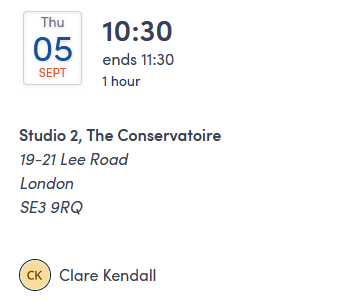
The left hand panel summarises all the logistics of the class; date, time, locations and instructors.
The right hand panel displays the attendees and has a link at the top to the other sessions in the course, if applicable. All current attendees are showing with any currently unbooked spaces marked as "TBC". Any medical alerts for the attendees are summarised in the list.
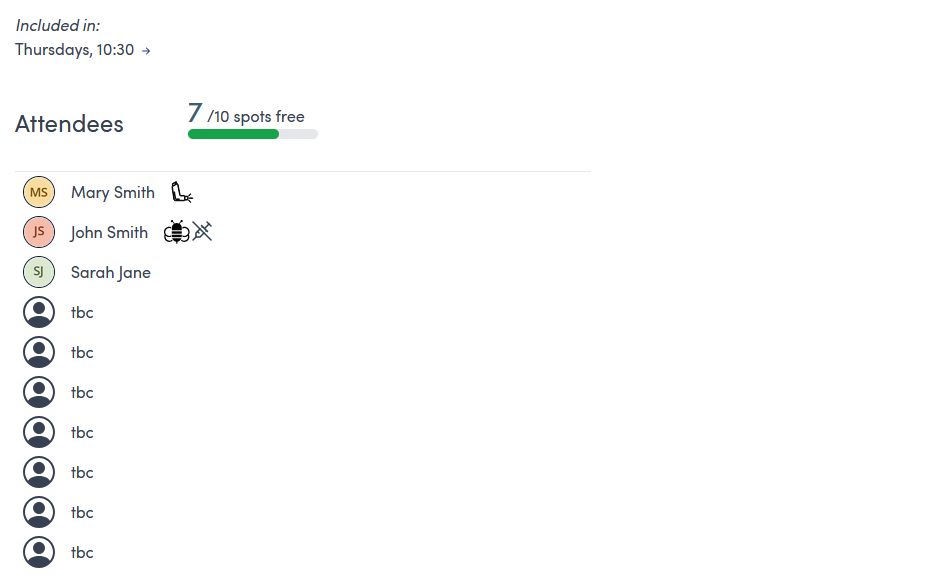
Click on the circle next to an attendee to quickly navigate to their customer record
You can start a booking for the class with the  button at the top right hand side of the page.