Change instructor
To add or remove instructors, go to the class overview and use the three-dot icon  and choose
Add instructor
To add an instructor, use the  button. This will add a new row into the table.
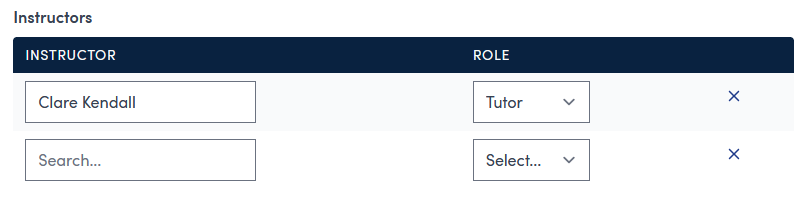
Click in the search box to see a list of instructors and optionally start typing to filter the results down to find the tutor you wish to add to the class. Select the tutor and then pick a role, if applicable, from the drop down list.
Remove instructor
To remove an instructor, use the  button to the right of the tutor you wish to remove.
Save changes
Once you have finished you changes use the  button to save and return to the class overview.
Note: If you do not click Save changes all edits will be lost on exit.