Contact information
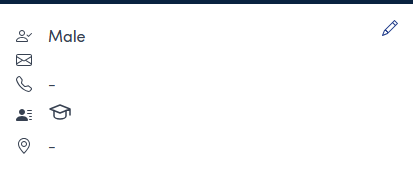
Existing contact information for a person is shown on the left hand side of a customer record
Add or update contact infomation
To update or add contact information, use the pencil icon  in the contact details panel
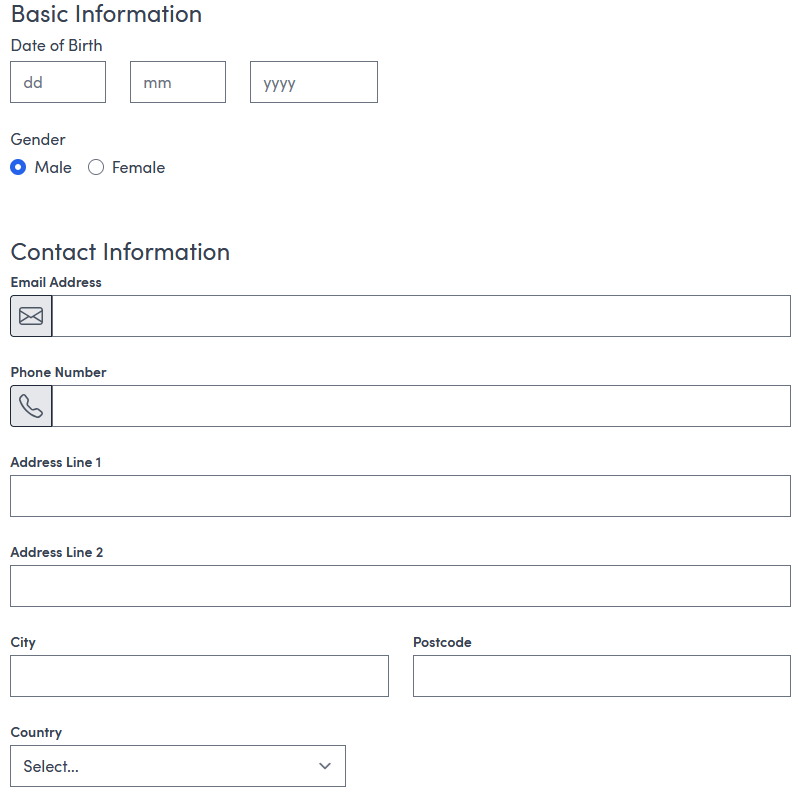
Complete the form as required and use the  button to finish