Adhoc
Starting a booking
On the dashboard, use the  button at the top of the screen.
Selecting a course
To see options for private tuition you will need to change the filters using the second button from the left

Choose the tuition option you wish to make a booking for to continue.
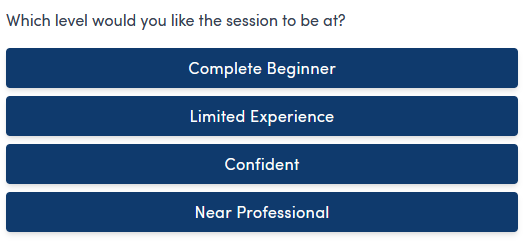
Choose tuition level
Choose the instruction level needed for the student from the available options
Schedule the tuition
Enter the day you wish to book the tuition for to show instructor and room availabilty.
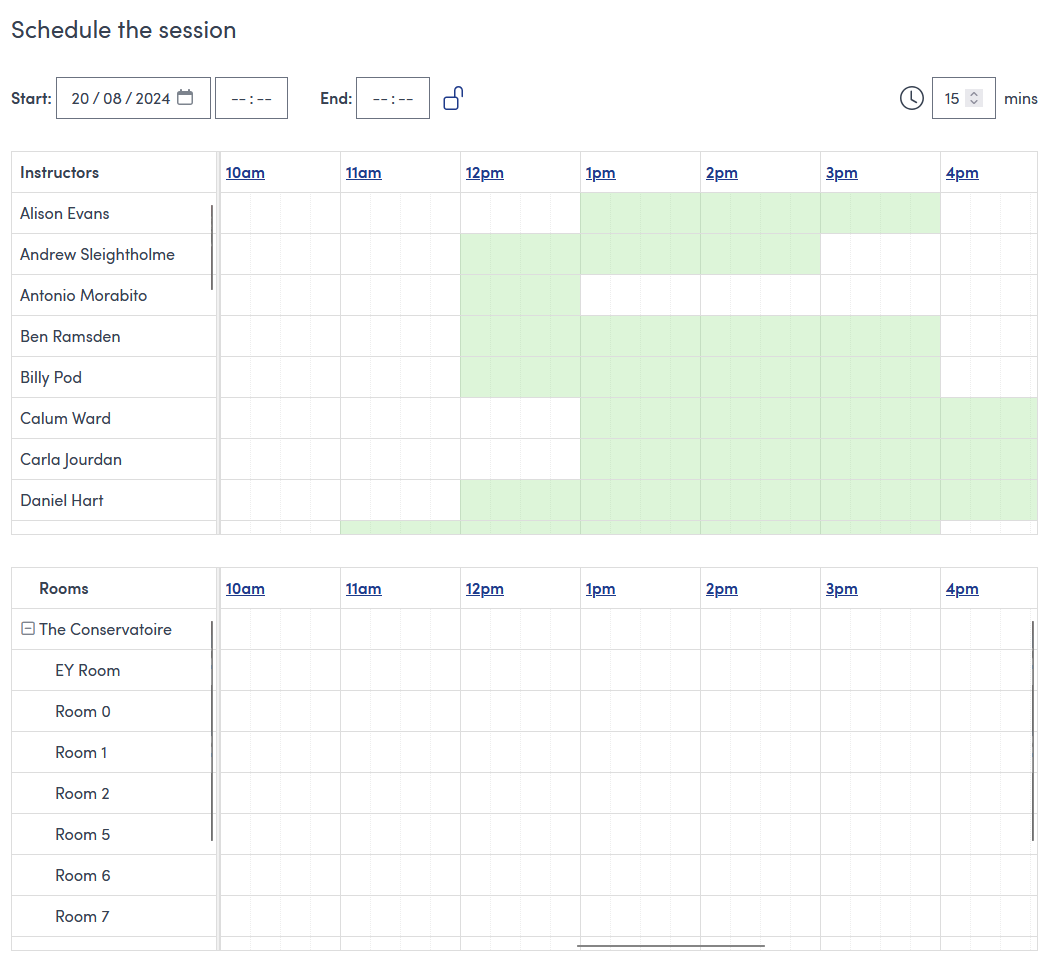
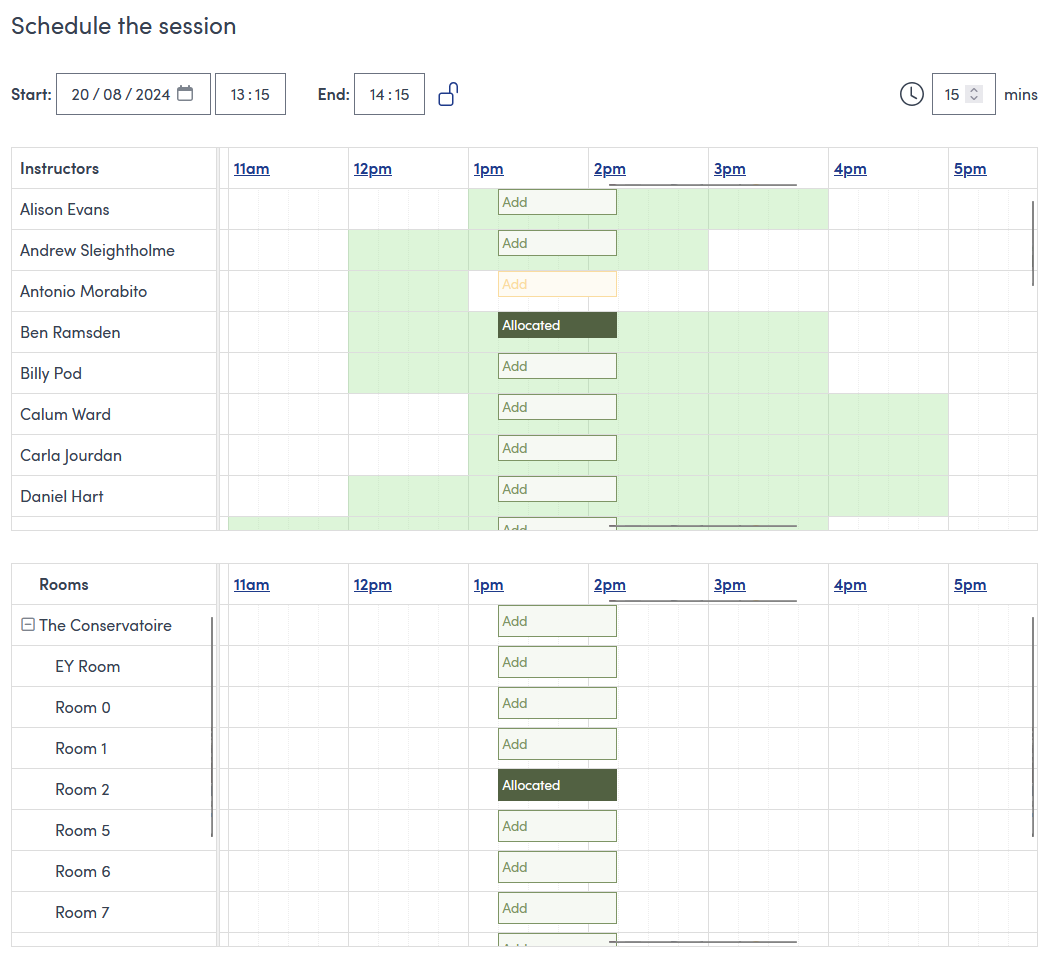
You can either enter the start and end times in the boxes next to the start date or click and drag on the calendar to block out the tuition window. You will need to select both an instructor and a room for the booking
For example, here we have selected a 1 hour tuition from 1:15pm to 2:15pm with Ben in Room 2.
Press the  button to continue
Change selected instructor
To change to another instructor
- Click the
 block to remove an instructor
 - Click
 on the row for the instructor you want to assign
Change room
To change to another room
- Click the block to remove the room
- Click on the row for the room you want to use
Change times
To change the times you can either change the start/end time in the boxes above the calendars or you can drag the booking block on the calendar.
Note: changing the time may change availability of rooms and/or instructors