Add discounts
Before completing the booking you will have the option to add a discount onto the order.
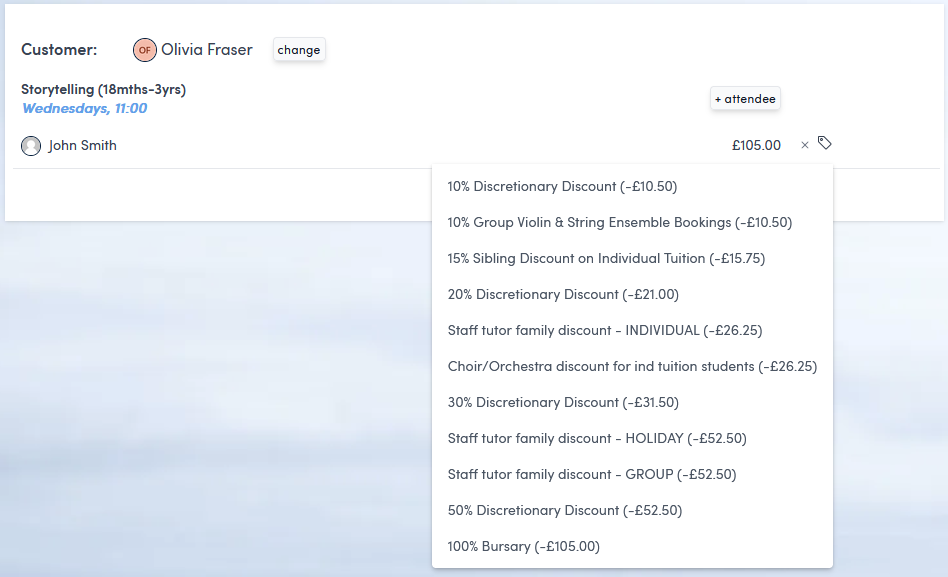
To do this, on the complete a booking page, click the label icon to the right of the item cost on the order summary:
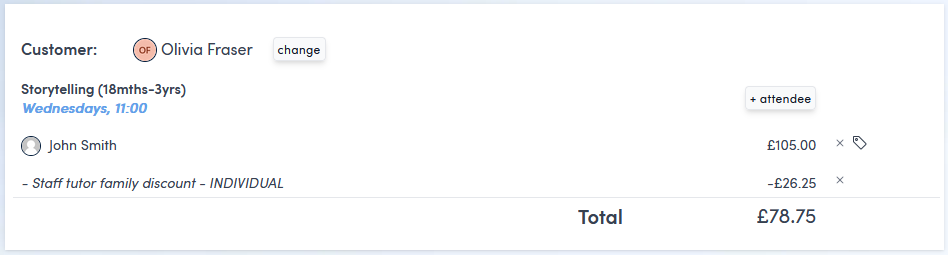
Once you have chosen your discount, you will see an updated total on the order summary.
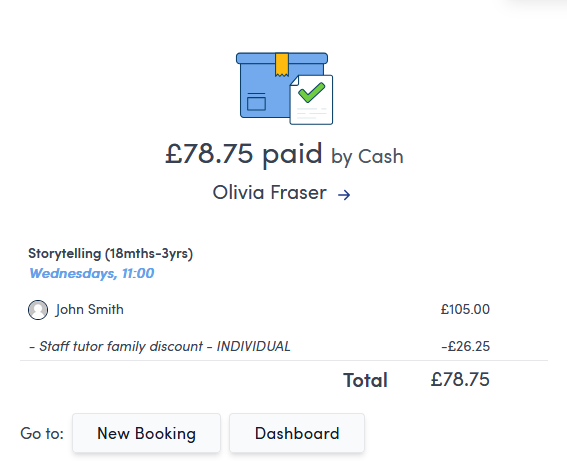
And the discount will be reflected in the final receipt and invoice once the booking has been completed.