Add person details
Enter attendee details
You will first be asked to enter the details of the person who is attending the class. If the person already exists in the system you can find them using the Find an existing peron: search box

Once you find them, use the  button to add them to the booking.
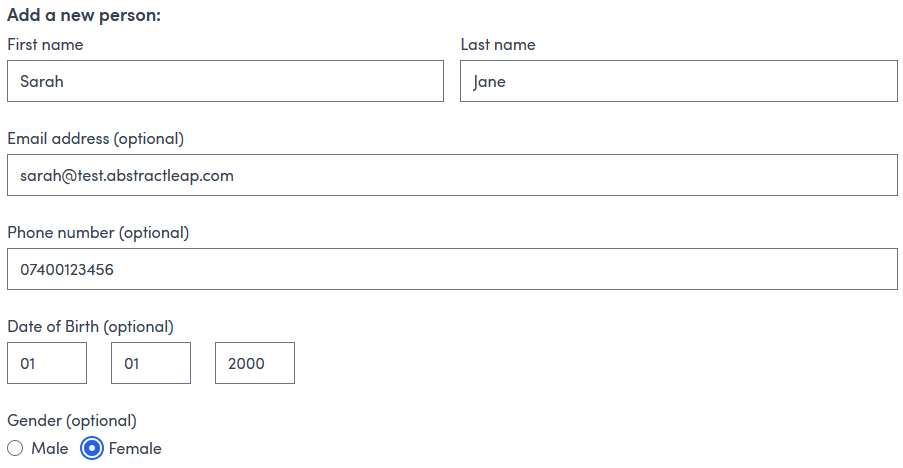
Alternatively, enter the details of a new person and click  to add them to the booking.
Further details
You will be prompted to provide additional contact details if they are not already in the system.
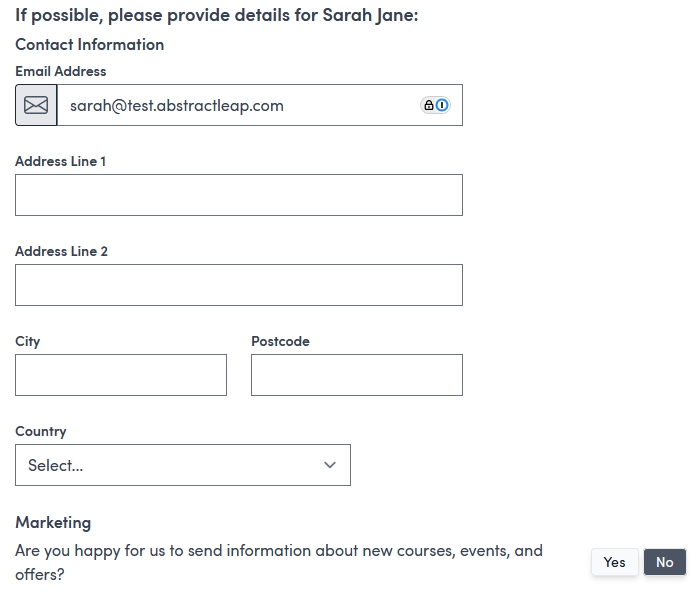
There is the option to  this step for now or enter some or all details and
  and continue.
Enter customer details
Enter the details of the person booking the class. As for attendee details you can find and use an existing person or enter new details.
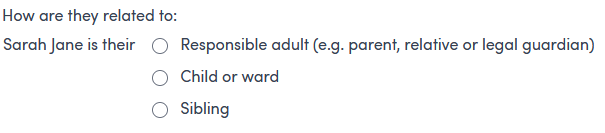
You can additionally specify how the customer is related to the attendee e.g. parent/guardian.