Smart Search
Want to find something fast in the system? Press Ctrl + f anywhere in the HQ and a search bar will pop up.
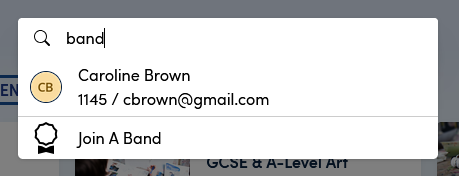
Using the smart search you can find:
- People and organisations, using name, email or identifier
- Orders, invoices using their numbers
- Product pages using their names
You can also activate the smart search using the magnifying glass icon on the left hand menu  .
.
If you don't want the search bar, press
Esc, click outside the bar or pressCtrl+fagain to use the browser "Find" text feature.